
Assignments & Notice Management Software: Top 10 Benefits for Schools, Colleges and Universities
By Sonet Microsystems
An assignment deadline can be missed because a student never received the instructions. A circular may reach some parents but remain unread by others. A university department may issue an important academic notice, only for students to search through multiple channels to find the latest version.
These are not simply communication problems. They are gaps in the way educational institutions distribute information, confirm understanding, and track follow-through.
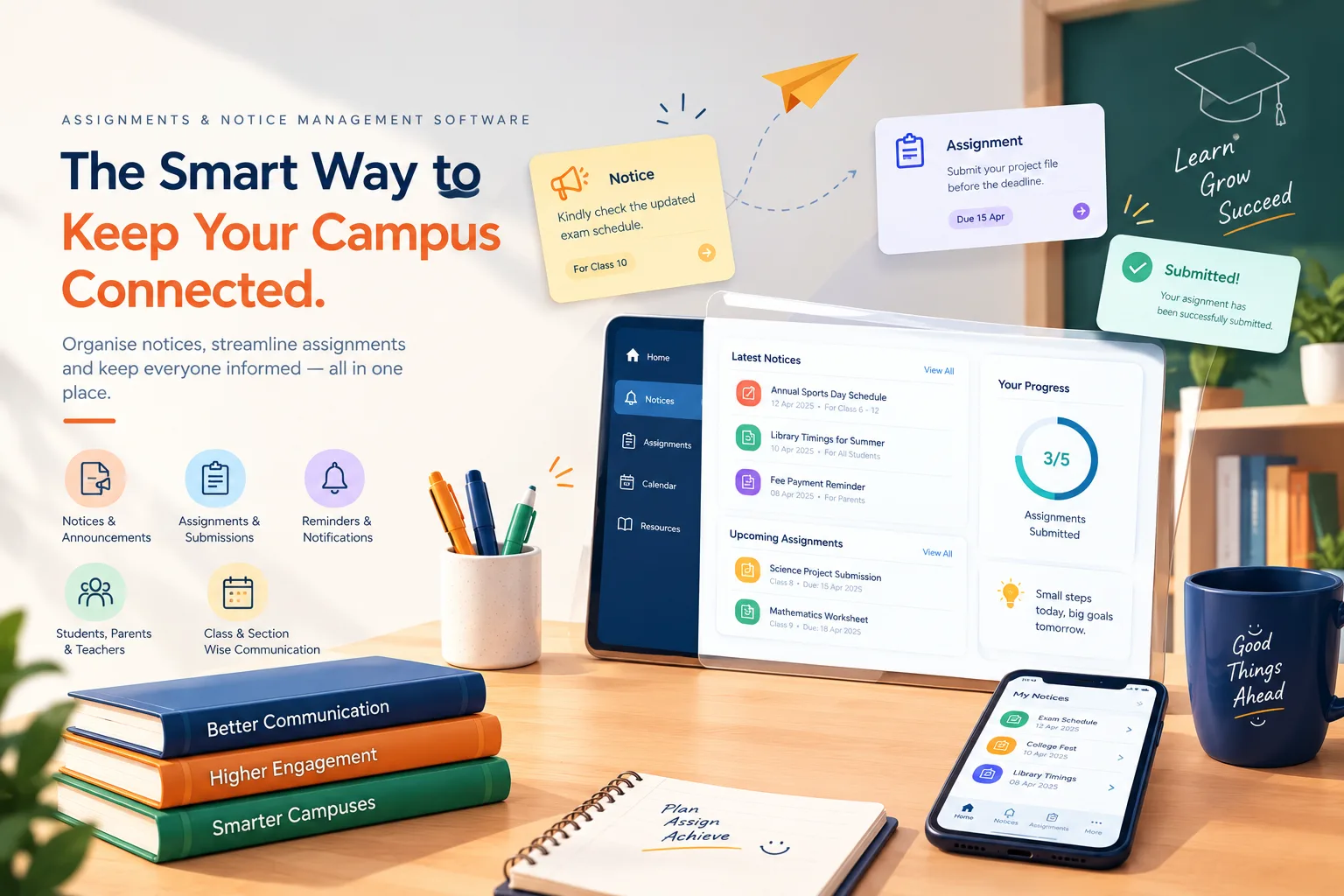
Assignments and notice management software helps close these gaps by bringing academic tasks, institutional announcements, deadlines, submission status, and communication records into a more organised digital workflow. Instead of relying entirely on paper diaries, printed circulars, email threads, or informal messaging groups, institutions can provide a consistent place for students, parents, and staff to access relevant information.
For schools, colleges, and universities, the value goes beyond sending messages faster. It lies in making academic communication more traceable, reducing avoidable administrative work, and ensuring that important instructions lead to action.
Why Assignment and Notice Management Needs a More Structured Approach
Educational institutions generate a continuous flow of information. Teachers distribute homework and learning resources, administrators announce schedule changes, examination departments publish instructions, and university offices communicate academic deadlines.
When these activities are managed through disconnected channels, several problems emerge:
Students may receive incomplete or outdated instructions.
Parents may not know whether an important notice has been seen.
Teachers spend time following up on missing submissions.
Administrative teams repeatedly answer questions about previously circulated information.
Institutions struggle to establish when a notice was issued or whether its intended audience accessed it.
A digital system creates a more consistent process for publishing, distributing, tracking, and retrieving this information. The following benefits explain how that process can improve everyday institutional operations.
Top 10 Benefits of Assignments and Notice Management Software
1. Ensure Important Information Reaches the Right Audience
Not every announcement is relevant to every student. A school excursion notice may concern one grade, while an assignment may apply to a particular subject and section. At a university, a departmental seminar or examination instruction may apply only to selected programmes or semesters.
Assignments and notice management software allows information to be organised around its intended audience rather than distributed indiscriminately. Notices can be directed to relevant classes, sections, groups, or individuals, depending on the system's capabilities.
This targeted approach reduces irrelevant notifications and makes important communication easier to identify.
2. Make Assignment Instructions Consistent and Accessible
When homework is recorded in individual diaries or shared through several messaging channels, students may end up with different versions of the same instructions.
A centralised assignment workflow gives students a common reference point for task descriptions, due dates, and supporting files. Teachers can publish instructions once instead of repeatedly sharing the same material across different channels.
For institutions using school management software, this also creates a more organised connection between classroom activities and the digital communication students and parents use outside school hours.
The result is a clearer assignment process, with fewer opportunities for instructions to be missed, misunderstood, or misplaced.
3. Track Whether Notices Have Actually Been Seen
Sending a notice does not necessarily mean that its recipient has read it. This distinction becomes particularly important when communicating examination guidelines, timetable changes, fee deadlines, campus closures, or mandatory academic instructions.
Read receipts provide a practical way to distinguish between distributing information and confirming that it has been opened. Where available, these records help staff identify recipients who may require a reminder or direct follow-up.
A student management system can make this process more useful when communication is associated with the relevant student record and authorised users can access the information they need.
Read receipts should not be treated as proof that a recipient fully understood a message. However, they provide a stronger basis for follow-up than assuming that every sent notice has been read.
4. Reduce Repeated Follow-Ups and Administrative Work
Teachers and administrative staff often spend considerable time answering recurring questions: What is the submission date? Was the circular shared? Which file should students use? Has the assignment been submitted?
A structured digital workflow reduces these repetitive interactions by keeping instructions, deadlines, attachments, and status information accessible in one place.
Automated reminders, where supported, can prompt students about approaching deadlines. Teachers can review submission status without manually collecting information from multiple channels.
For institutions evaluating higher education management software, this benefit is particularly relevant when several departments, programmes, or academic batches follow different schedules. Better visibility helps staff focus on exceptions that need attention rather than repeatedly checking routine tasks.
5. Improve Assignment Submission and Deadline Accountability
Assignment management involves more than publishing homework. Institutions also need to understand which students have submitted work, which submissions remain outstanding, and where follow-up is necessary.
Digital submission tracking provides a consolidated view of assignment progress. Teachers can identify pending work, check submissions, and remind students before or after deadlines according to institutional policy.
In a college management system, these workflows can support assignments across different courses and batches, helping faculty manage recurring academic tasks more consistently.
The system does not remove the need for teacher review or academic judgement. Instead, it reduces the administrative effort required to establish submission status, leaving more time for feedback, assessment, and student support.
6. Give Parents a Clearer View of School Communication
In school settings, communication often involves three connected groups: teachers, students, and parents. A notice may be delivered to a student but not reach home, while a parent may be unaware of an assignment that needs attention.
A shared digital communication channel can give parents access to relevant homework, notices, deadlines, and updates. Read receipts and assignment status can help them identify information requiring attention without depending entirely on a paper diary or a message forwarded by a student.
When connected with school management software, assignment and notice workflows can become part of a broader parent-facing experience alongside other authorised student information.
This improves visibility while helping schools establish a more consistent communication process between home and classroom.
7. Maintain a Searchable Record of Notices and Instructions
Important announcements should remain accessible after their initial distribution. Students may need to revisit examination instructions, parents may want to check an earlier circular, and administrative teams may need to confirm what was communicated during a particular period.
A searchable notice archive creates a reference point for previously issued information. Instead of searching through old emails, paper files, or chat histories, authorised users can retrieve notices from a structured repository.
For institutions using university management software, this can be especially useful when communication spans departments, semesters, academic years, and multiple administrative offices.
Retention policies, access permissions, and archive organisation should be configured according to institutional requirements. A digital archive is most useful when users can locate the correct information and distinguish current instructions from superseded notices.
8. Support More Organised Communication Across Campus
Schools, colleges, and universities have different communication structures. Schools frequently coordinate teachers, students, and parents. Colleges may distribute information by programme, department, semester, or batch. Universities often need to coordinate communication across faculties, departments, administrative offices, and campuses.
Campus management software can provide a broader operational environment in which assignment and notice workflows sit alongside academic and administrative processes.
For example, a university department could publish a seminar announcement for a defined student group, while an academic office could circulate a timetable update to the relevant programme. Targeted distribution helps avoid unnecessary messages reaching people who are not affected.
The aim is not to send more notifications. It is to make institutional communication more relevant, consistent, and easier to manage.
9. Connect Communication with the Institution's Digital Ecosystem
An assignment or notice rarely exists in isolation. Its relevance may depend on a student's enrolment, course, class, section, or department. When information is maintained separately across systems, staff may need to duplicate records or update the same details in multiple places.
Integrating assignment and notice workflows with university solutions and other institutional systems can reduce these disconnected processes. Depending on the available integration, the wider platform may connect student records, course information, learning resources, and administrative workflows.
A connected student management portal can also provide students with a consistent place to access relevant information, rather than requiring them to navigate multiple independent systems.
Integration should be assessed carefully. Institutions need to confirm which records synchronise, how access permissions are applied, and whether updates in one system are reflected in connected modules. A unified experience depends on reliable data flow, not merely placing several tools under one login.
10. Create a Stronger Foundation for Digital Institutional Operations
Assignment and notice management can serve as a practical step towards more connected academic administration. Once information is published, delivered, tracked, and archived through a defined workflow, institutions gain a clearer view of routine communication and the actions that remain pending.
For a school, this may mean more consistent homework coordination and parent visibility. For a college, it may mean better oversight of course-level assignments and departmental announcements. For a university, it may mean more organised communication across academic programmes and administrative units.
A campus management system software environment can extend this approach by connecting communication with other institutional processes. When paired with an LMS, assignments can form part of a wider learning cycle involving course materials, submissions, assessment, and feedback. When connected to an ERP, relevant student and academic records can help reduce duplicate administrative work.
This is where a digital communication module becomes part of a broader institutional strategy: not a standalone notice board, but a connected workflow within the institution's technology ecosystem.
What Should Institutions Evaluate Before Choosing a Solution?
The right solution should fit the institution's communication structure rather than force every department into the same workflow. Before selecting a platform, evaluate the following areas:
Audience targeting: Can notices be sent to specific classes, sections, departments, programmes, or individuals?
Assignment workflow: Can teachers attach files, define deadlines, and track submissions?
Read confirmation: Can authorised staff see whether a notice has been opened?
Reminders: Are deadline reminders available, and can their timing be configured?
Notice archive: Can users search and retrieve previously issued communication?
Access control: Can students, parents, teachers, and administrators access only the information appropriate to their roles?
System integration: Can the solution connect with existing ERP, LMS, student records, and portal workflows?
Ease of use: Can staff publish and manage information without adding unnecessary administrative steps?
Institutions should also review mobile access, data protection, retention practices, implementation requirements, and the support available during adoption. A useful platform is one that fits real institutional processes and is practical for staff and students to use consistently.
Building a Connected Communication Experience with Sonet Microsystems
Sonet Microsystems offers Assignment & Notice Management as part of its broader education technology ecosystem. The module supports homework posting with due dates and attachments, class- and school-level circulars, read receipts, digital submission tracking, reminders, and an archive of previously issued notices.
These capabilities are designed to replace fragmented communication routines with a more organised digital process. Within the wider Sonet ecosystem, assignment and notice management can complement school ERP, college ERP, university ERP, and LMS workflows, helping institutions connect academic communication with the systems they already use.
Rather than treating notices, assignments, student records, and learning activities as unrelated tasks, institutions can evaluate how these workflows fit together to support a more consistent digital experience.
Explore Sonet's assignment and notice management software to understand how the module can support your institution's communication requirements.
Conclusion
The effectiveness of academic communication depends on more than how quickly a message is sent. Institutions also need to ensure that information reaches the right audience, remains accessible, and leads to the appropriate next step.
Assignments and notice management software helps establish that process through targeted distribution, read confirmation, deadline tracking, submission visibility, and searchable records. When connected with the wider institutional technology ecosystem, it can also reduce duplicate work and create a more consistent experience for students, parents, faculty, and administrators.
For schools, colleges, and universities working towards more organised digital operations, the priority is clear: make academic communication traceable, accessible, and connected to the everyday workflows that depend on it.